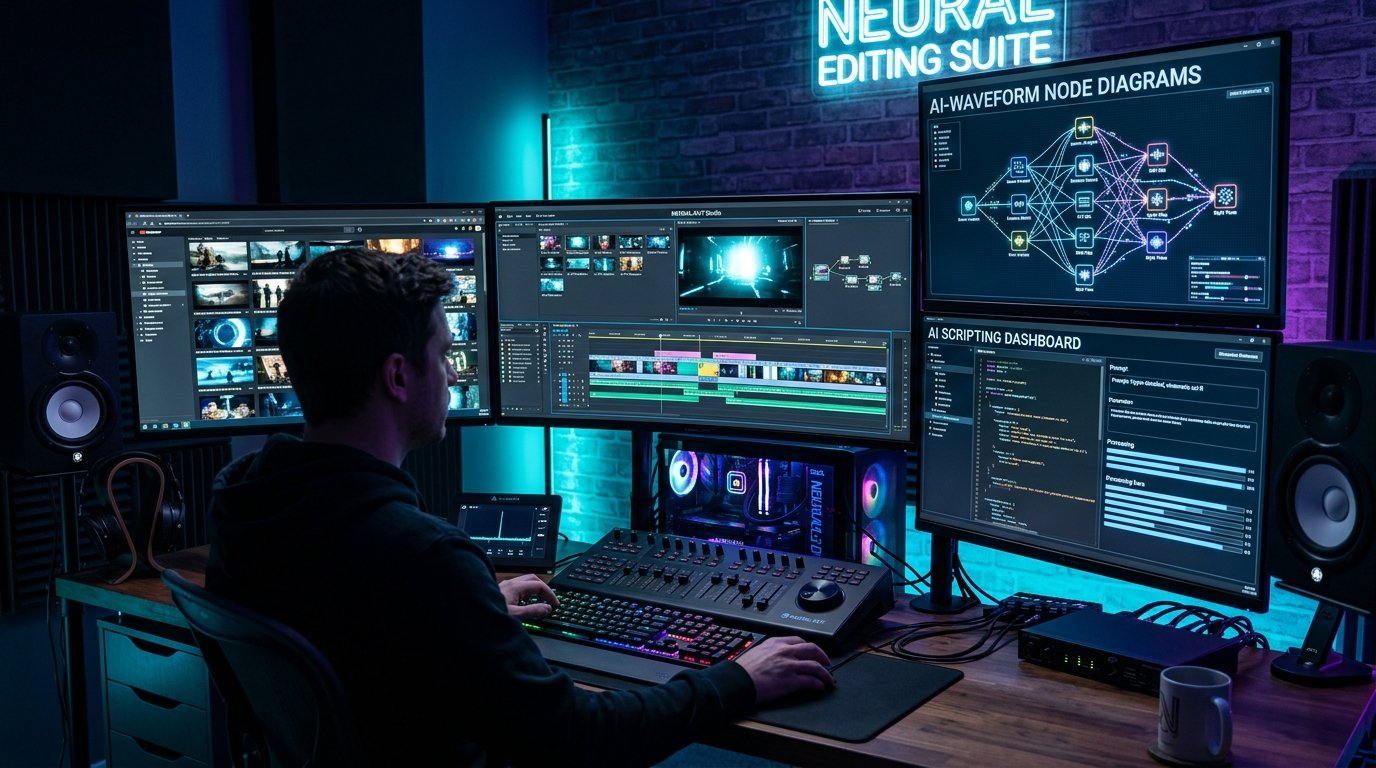
AI Workflows for Video Creators: Building Automated Systems for Editing, Scripting, and Publishing
Artificial intelligence has shifted from an experimental technology into an essential utility for modern video creators, educators, and media production teams. However, there is a distinct line between creators who use AI to generate low-quality automated content and professionals who leverage AI to streamline tedious editing tasks while maintaining total creative direction.
In this practical technical guide, we examine how video producers build robust, automated systems for script drafting, voice audio enhancement, transcript extraction, chapter timestamping, and multi-platform publishing.
- --
The Shift from Manual Editing to Intent-Driven Production
Traditional video editing required spending hours performing repetitive operational tasks: trimming silences, manually typing closed captions, drafting video descriptions, and formatting timestamps for chapters. These administrative hurdles often consumed up to 70% of a creator's total production schedule.
Modern creator workflows invert this ratio. By delegating data extraction, formatting, and transcription tasks to AI models, creators reallocate their time toward high-value creative activities: camera performance, storytelling structure, original research, and audience engagement.
### The Core Creator Automation Pipeline
1. **Pre-Production:** Researching audience search intent and drafting modular script outlines.
2. **Production:** Recording high-fidelity audio and video with dedicated microphone setups.
3. **Post-Production Data Extraction:** Extracting full audio transcripts using speech recognition models like OpenAI Whisper or Google Gemini.
4. **Content Repurposing:** Converting spoken text into structured blog posts, newsletter summaries, chapter timestamps, and social media threads.
- --
Step 1: Automated Script Drafting & Narrative Structuring
Writing an engaging video script requires balancing narrative hooks, educational clarity, and viewer retention pacing. Relying on generic AI prompts often produces stiff, unnatural language filled with repetitive phrases.
To generate authentic script outlines, professional creators use structured prompt engineering that provides strict constraints and tone guidelines.
### Effective Script Engineering Principles
- **Define the Speaker's Voice:** Explicitly specify the tone, vocabulary level, and target audience expertise (e.g., "Write in a conversational, technical tone suitable for web developers").
- **Enforce Structural Constraints:** Instruct the model to avoid generic transitional phrases (like "In conclusion" or "Let's dive in") and focus on direct, action-oriented points.
- **Incorporate Visual Hooks:** Ask for specific B-roll suggestions alongside spoken dialogue to ensure visual variety.
- --
Step 2: Speech Cleanup, Diarization, and Zero-Shot Audio Enhancement
Pristine audio quality is the single most critical factor determining viewer retention and transcription accuracy. Background noise, acoustic room reverb, and inconsistent vocal volume levels degrade both the audience experience and the performance of speech recognition algorithms.
### Speaker Diarization and Vocal Separation
When recording podcasts or multi-person interviews, speech recognition models utilize speaker diarization to distinguish between different voices. By isolating distinct vocal tracks:
- Transcripts accurately identify who spoke each sentence.
- Noise reduction algorithms process individual voice frequencies without distorting neighboring speakers.
- Automated tools like TranscriptG assign clear speaker labels across full-length interview transcripts.
- --
Step 3: Extracting Micro-Content and Chapter Timestamps
Long-form YouTube videos (such as technical tutorials, podcasts, and university lectures) perform significantly better when broken into navigable chapter segments.
Video chapters serve a dual purpose:
1. **Viewer Navigation:** Readers can jump directly to the specific topic or question they need answered.
2. **Search Engine Indexing:** Google indexes chapter timestamps as 'Key Moments' in search results, driving organic search traffic directly to specific video timestamps.
- --
Building a Custom Node.js Script for Video Processing Pipelines
Full-stack developers and technical creators can easily automate transcript retrieval and summarization by integrating modern AI SDKs into their build scripts.
Below is an example showing how to connect to the Google Gen AI SDK to analyze a video transcript and output formatted chapter timestamps:
```typescript
import { GoogleGenAI } from "@google/genai";
const ai = new GoogleGenAI({ apiKey: process.env.GEMINI_API_KEY });
async function generateVideoChapters(rawTranscript: string) {
const response = await ai.models.generateContent({
model: "gemini-2.5-flash",
contents: [
{
role: "user",
text: "Analyze the following video transcript. Generate concise, accurate chapter timestamps formatted as 00:00 - Title. Focus on major topic transitions.
Transcript:
" + rawTranscript
}
]
});
console.log("Generated Chapter Timestamps:
", response.text);
}
```
- --
Common Pitfalls: How to Avoid 'AI Slop' in Creator Workflows
As AI tools become ubiquitous, audiences have developed a sharp eye for automated, low-effort content. Publishing unedited AI output degrades brand trust and search engine authority.
### Key Guidelines for Quality Control
- **Never Auto-Publish Without Human Review:** Always review AI-generated text, captions, and summaries for factual accuracy and tone.
- **Maintain Original Voice:** Use AI to organize and format your thoughts, not to replace your unique perspective and personal experience.
- **Verify Technical Terminology:** Ensure specialized jargon, acronyms, and product names are spelled correctly in video captions and blog posts.
- --
Frequently Asked Questions (FAQ)
Can AI tools replace human video editors?
No. AI tools excel at repetitive administrative tasks like transcribing speech, removing background noise, and generating captions. Creative decisions—such as narrative pacing, emotional timing, and visual style—still require human direction.
How does video transcription improve video SEO?
Search engines cannot listen to raw audio files directly. Providing accurate video transcripts and closed captions gives search engine crawlers text data to index, helping your content rank for relevant search queries.
- --
Try TranscriptG's suite of video processing tools to extract transcripts, generate summaries, and convert YouTube videos into articles instantly!
Launch Free Tools