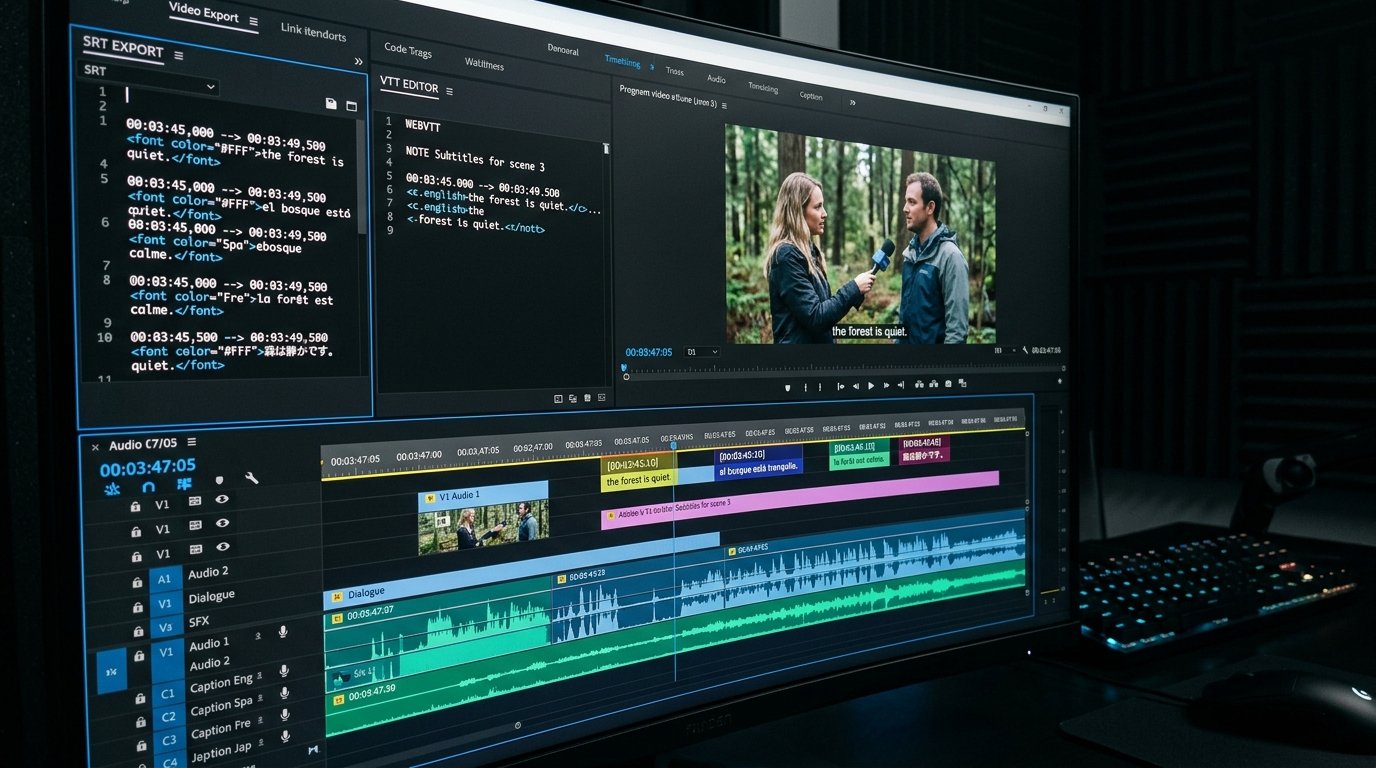
Mastering Subtitles, SRT Files, and Closed Captions: Technical Formats, Accessibility, and Global Reach
Closed captions and subtitles are essential components of modern digital video infrastructure. Over 80% of mobile video views occur with sound muted, while hundreds of millions of viewers worldwide rely on captions due to hearing impairments or language learning.
In this technical guide, we examine subtitle file formats, timecode synchronization, line length standards, accessibility compliance guidelines, and multi-language translation workflows for video creators and developers.
- --
Understanding Subtitle File Formats: SRT, WebVTT, and TTML
While several caption formats exist, two primary standards dominate web video and social media platforms: SubRip (.SRT) and Web Video Text Tracks (.VTT).
### SubRip (.SRT) Specification
SRT is the simplest and most universally supported subtitle format. It consists of numbered sequential blocks, millisecond timecodes separated by commas, and plain text payload.
```text
1
00:00:01,500 --> 00:00:04,200
Welcome to this technical guide on video captions.
2
00:00:04,300 --> 00:00:07,800
Today we will explore timecode formats and WebVTT rules.
```
### Web Video Text Tracks (.VTT) Specification
WebVTT is an extension built for HTML5 video players (
```text
WEBVTT - Technical Lecture Caption Track
00:00:01.500 --> 00:00:04.200 line:80% align:center
00:00:04.300 --> 00:00:07.800
Today we will explore timecode formats and WebVTT rules.
```
- --
Timecode Precision and Preventing Subtitle Drift
Subtitle drift occurs when caption timing gradually loses synchronization with video audio over long durations. This issue typically stems from frame rate mismatches during video export:
- **24.00 fps vs 23.976 fps (NTSC Drop-Frame):** A common source of audio sync errors in post-production.
- **Variable Frame Rate (VFR):** Screen recordings captured on mobile phones or software like OBS often use variable frame rates, causing timecode offsets.
- **Solution:** Always convert source video files to Constant Frame Rate (CFR) before generating subtitle timecodes.
- --
Line Length, Character Limits, and On-Screen Readability Standards
Broadcast standards (such as CEA-608/708 and Netflix Subtitle Style Guides) enforce strict rules to ensure captions remain readable on screen:
| Guideline Parameter | Recommended Standard | Why It Matters |
|---|---|---|
| **Max Characters Per Line (CPL)** | 37 to 42 Characters | Prevents text from extending across screen margins on mobile devices. |
| **Max Lines Per Frame** | 2 Lines Maximum | Avoids obscuring video visuals and speaker faces. |
| **Minimum On-Screen Duration** | 1.0 Second | Ensures viewers have enough time to read short single-word captions. |
| **Maximum On-Screen Duration** | 7.0 Seconds | Prevents stale text from lingering during silent scenes. |
- --
Multi-Language Subtitle Translation for Global Video Growth
Translating your video subtitles into high-demand international languages—such as Spanish, Portuguese, German, Hindi, French, and Japanese—immediately opens your content to global audiences.
### Best Practices for Subtitle Translation
1. **Avoid Word-for-Word Literal Machine Translation:** Translate for idiomatic clarity and natural reading speed rather than verbatim word matching.
2. **Adjust for Character Expansion:** Languages like German often require up to 30% more horizontal space than English, requiring adjustments to line lengths.
3. **Preserve Timecodes:** Ensure translated subtitle blocks retain the exact start and end timecodes of the original source audio.
- --
Accessibility Standards: WCAG 2.1 and ADA Compliance for Video Creators
Educational institutions, government agencies, and public enterprise websites are legally required under WCAG 2.1 Level AA and the Americans with Disabilities Act (ADA) to provide synchronized closed captions for all video content.
- **Non-Speech Sound Captions:** Include important background audio cues in brackets (e.g., [Upbeat Music Playing] or [Applause]).
- **Speaker Identification:** Use distinct speaker names or color tags when multiple individuals speak in the same scene.
- --
Frequently Asked Questions (FAQ)
Which subtitle format should I upload to YouTube?
YouTube accepts both .SRT and .VTT files. .SRT is recommended for general video uploads due to its universal compatibility across platforms.
How do subtitles impact video view times on mobile devices?
Studies show that over 80% of social media users watch videos with sound turned off in public spaces. Providing clear closed captions increases video completion rates significantly.
- --
Use TranscriptG to extract, edit, format, and translate subtitle files (.SRT and .VTT) for your videos instantly!
Launch Free Tools